MacNote++
Text, code and hex editor
MacNote++ is a free, open-source, native text, code and hex editor for macOS: tabs, syntax highlighting, multiple cursors, file compare and large-file support.
A free alternative to BBEdit, CotEditor and Sublime Text for everyday text and code editing on the Mac.
Download MacNote++ for macOS (zip)
Full documentation · All releases · Source code: GitLab · GitHub
Features
- Tabs you can drag to reorder, pin and lock as read-only
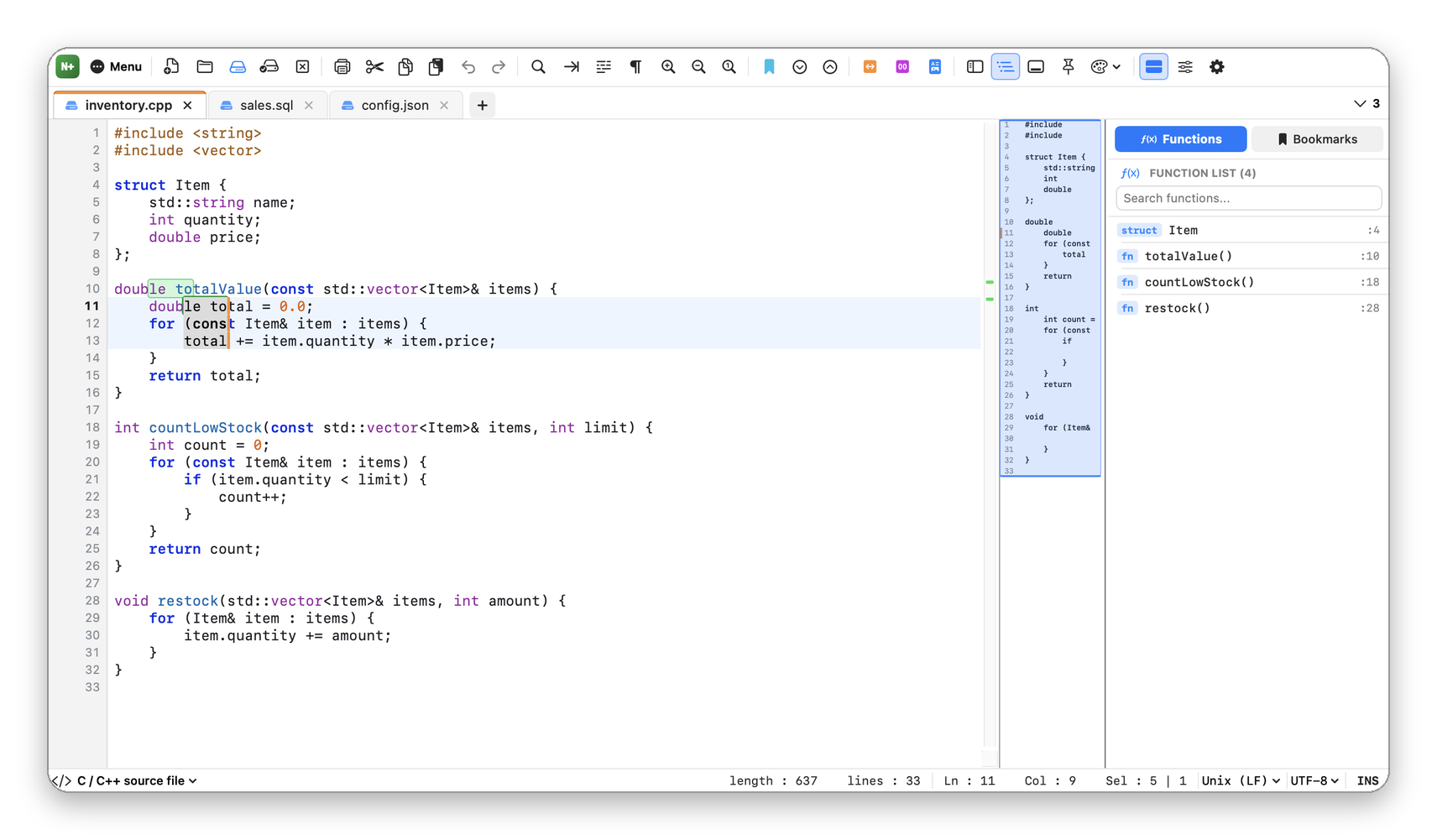
- Syntax highlighting for 21 languages, detected from the file name and content
- Multiple cursors, each with its own selection, and rectangular selection
- Column editor for inserting text and number sequences
- Find, replace and mark with regular expressions, in a document, all open tabs or a folder
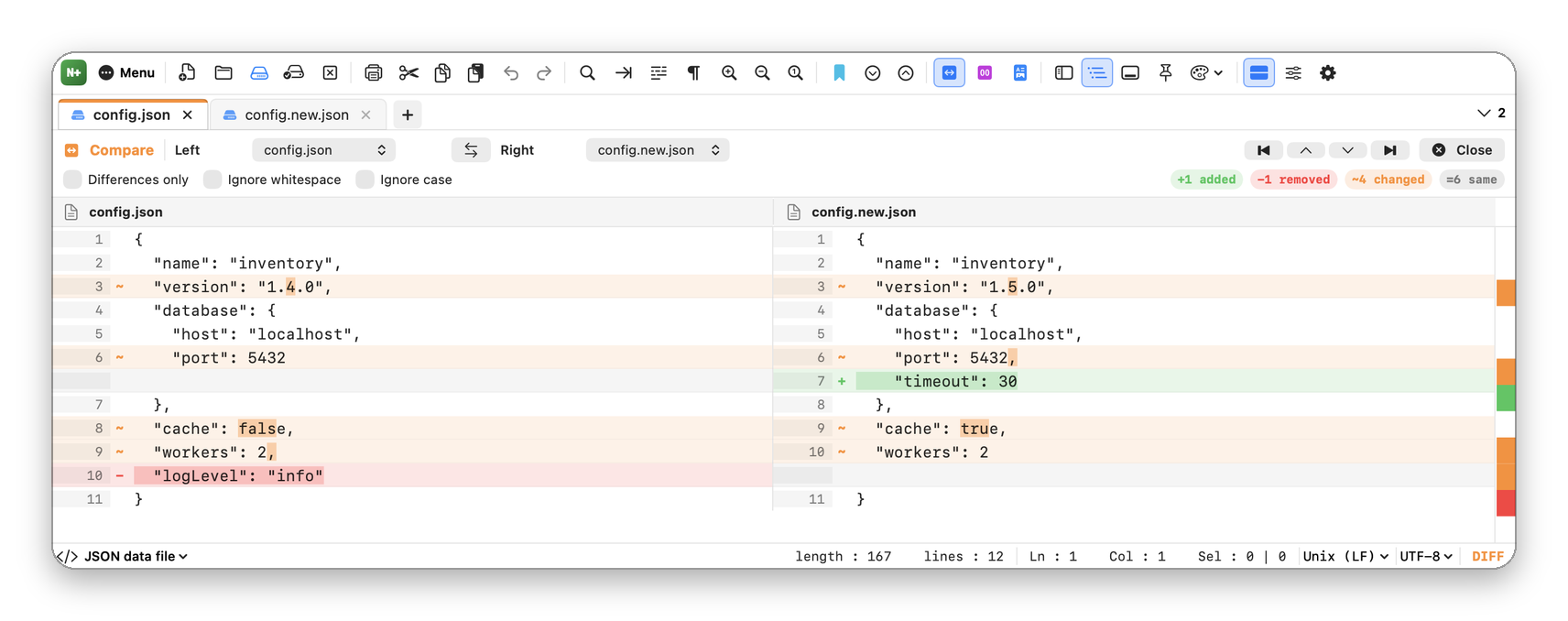
- Side-by-side compare with changes marked inside the line
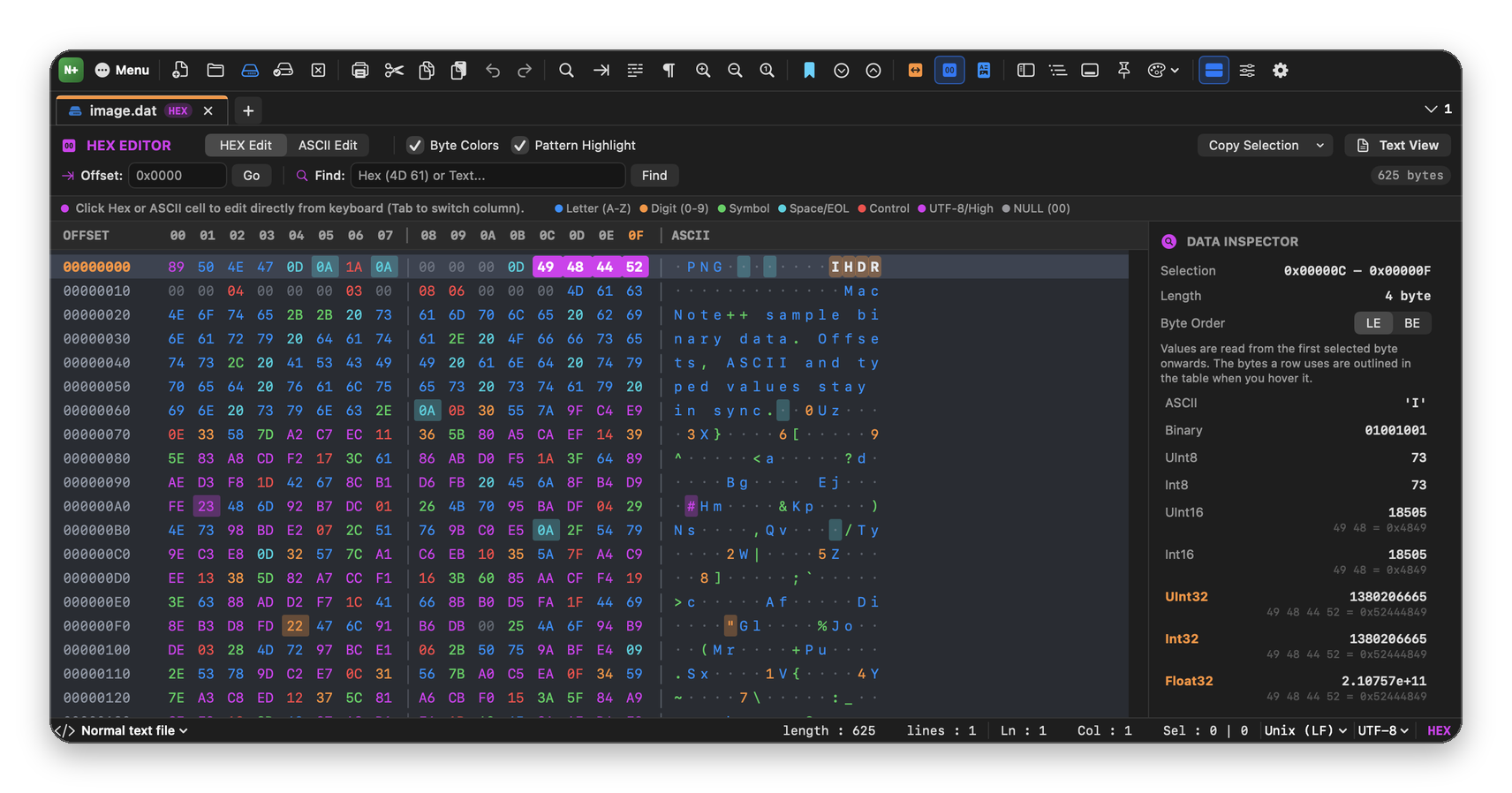
- Hex editor with multi-byte selection and a data inspector for integers and floats
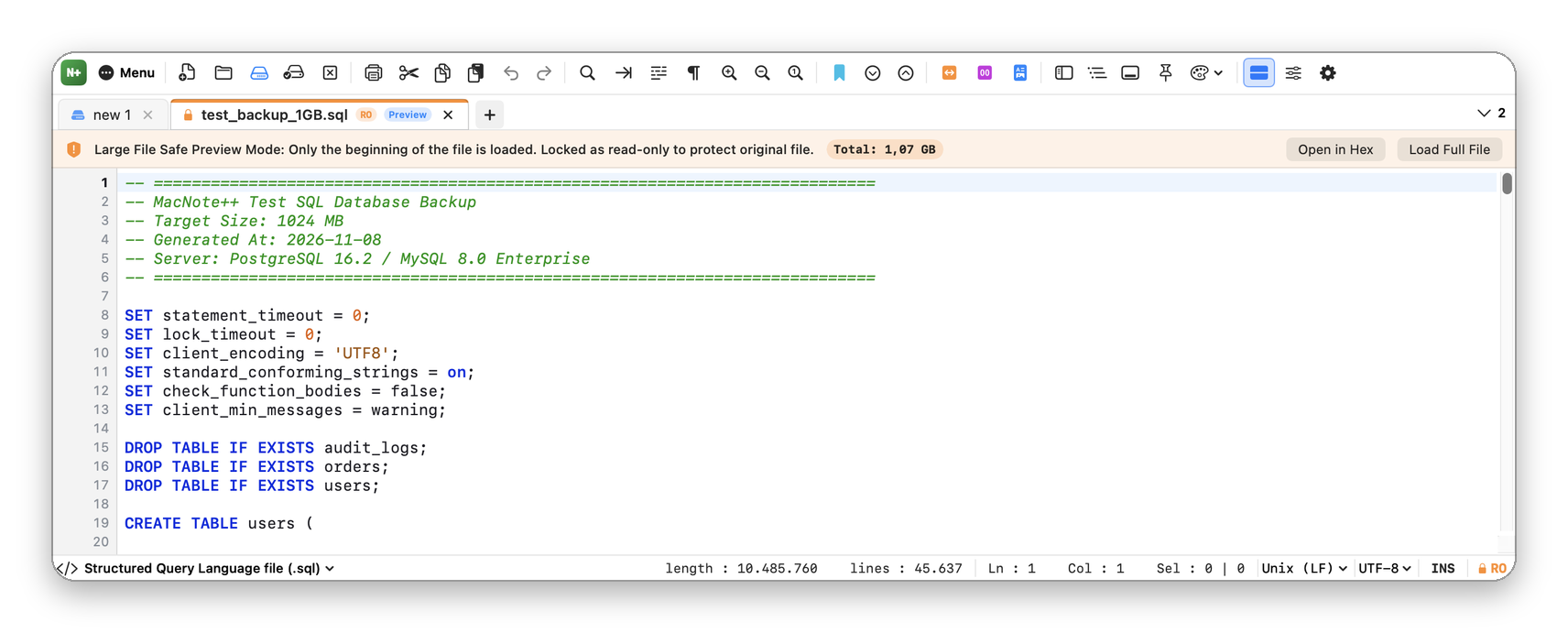
- Large files open in a safe preview; hex view reads even a 1 GB file from disk as you scroll
- Keeps encodings and line endings, and detects files changed by other apps
- Line tools, bookmarks, macros, function list, minimap and Markdown preview
- JSON and SQL formatting, Base64 and URL encoding, MD5 and SHA-256
- Four editor themes; updates itself from GitLab
Screenshots
Frequently asked questions
Is MacNote++ free?
Yes. MacNote++ is free and open source under the GPL-3.0-or-later license, with no ads, no accounts and no in-app purchases.
Does it send my files anywhere?
No. The only network request is the update check, which reads the latest release information from gitlab.com at most once a day. You can turn it off in Settings.
Can it open very large files?
Yes. Files of 80 MB or more can open as a preview, and hex view reads even a 1 GB file from disk as you scroll.
Can I edit several lines at once?
Yes. Add cursors with ⌥ + click or ⌥⇧↑ / ↓, or select a rectangle with ⌥ + drag, then type.
Which Macs does it run on?
macOS 14 Sonoma or later, on Apple Silicon and Intel Macs.
Why does macOS block it the first time?
MacNote++ is not notarized by Apple, which needs a paid developer account. Allow it once in System Settings ▸ Privacy & Security ▸ Open Anyway; see Download and install.
BBEdit, CotEditor and Sublime Text are named only for comparison; MacNote++ is not affiliated with them or with Apple.
Before you install
The apps are not notarized by Apple (that needs a paid developer account), so macOS blocks them the first time. Allow each app once in System Settings ▸ Privacy & Security ▸ Open Anyway. Every release lists a SHA-256 checksum.